When the fixed till is the whole job
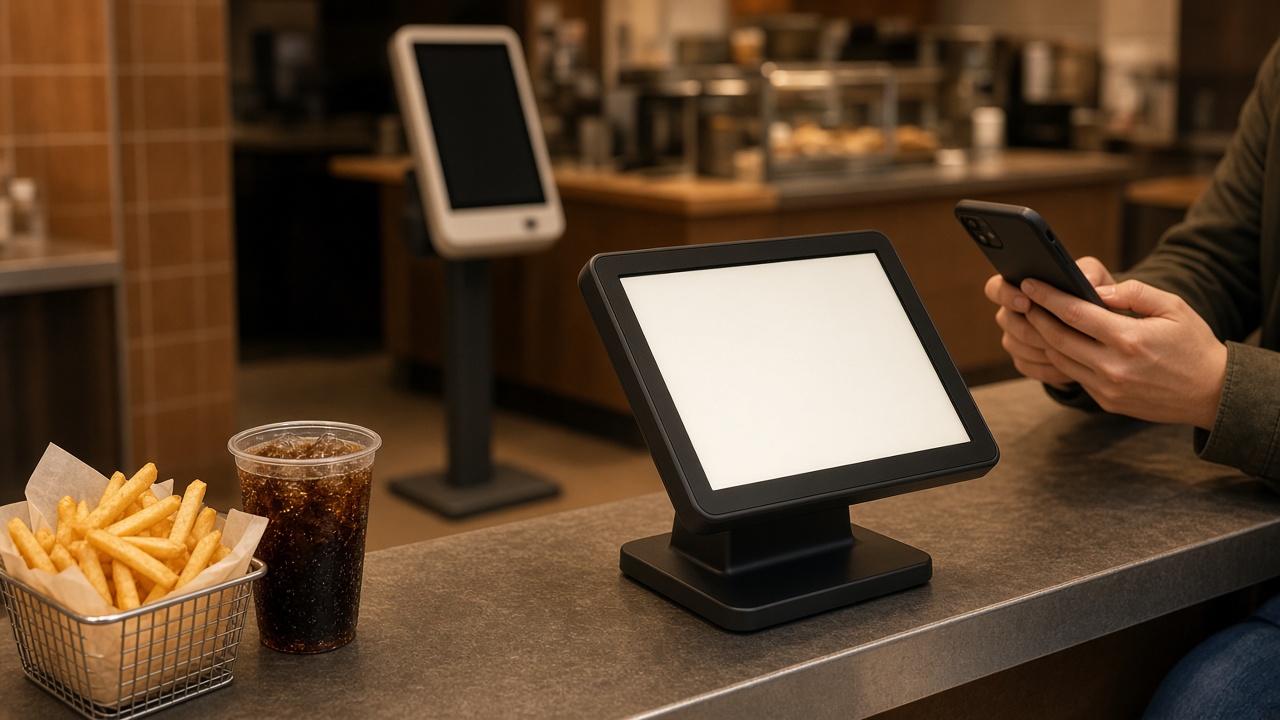
A desktop POS belongs where guests pass a single point: the bar, the service counter, the display case. The screen stays put, the drawer is underneath, the card terminal has a home, and nobody is hunting for a handset a colleague carried outside. For a snackbar in the evening rush that is often the fastest close. The guest names the order, you ring it, the kitchen receives the line, payment happens before the next person steps up.
The same fixed point makes sense in a shop or at a hotel desk, as long as the sale really happens there. You gain speed because the machine is already on, the printer and the drawer are where you left them, and a new hire recognises the screen. The desktop till becomes the wrong tool the moment the sale leaves the counter. A terrace that only sends scraps of paper inside is using the fixed POS as a typewriter for someone else’s notes. That is not terrace service. It is catching up. Count the exceptions before you retire the desktop. A lunch counter with a queue at noon and an empty room by two gains more from a second fixed screen, or from a counter that is simply in the right place, than from handhelds asleep in a drawer. A bakery or butcher at the display case follows the same rhythm: the guest points, you ring, payment takes seconds. The mobile POS is the extra pair of hands at a market or an outside stall, not a substitute for that counter. Watch one full service and mark where people actually stop. That spot is where the desktop belongs.
What changes when the till walks outside
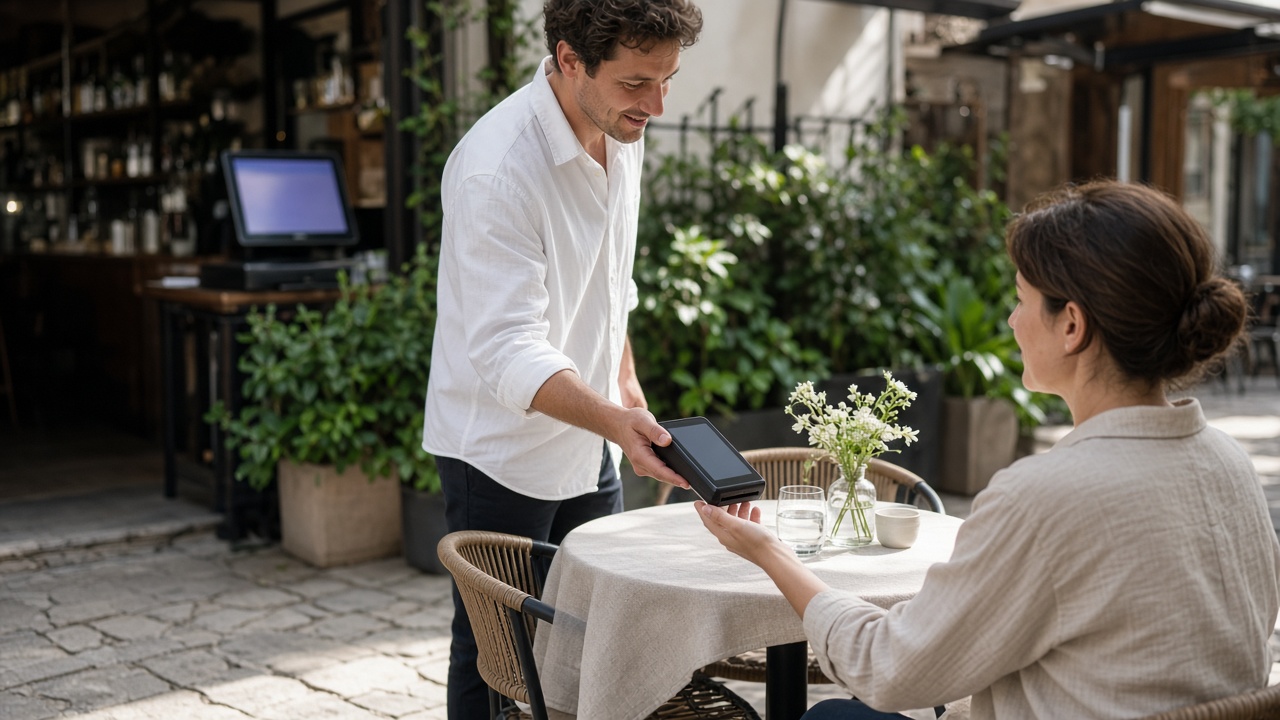
A mobile POS takes the order where the guest is sitting and closes it there too. The guest does not walk to the bar for a second round or to tap a card. You do not retype a slip indoors, and the kitchen receives the line when you enter it, not when someone finally reaches the pass. On a full terrace that removes laps, and it removes the guesswork about what the handwriting said.
The same pattern holds on a dining-room floor, for room service, and on a market or an event. Stall service rarely offers a quiet counter with room for a large screen. A handheld or a tablet keeps the queue moving and that service’s sales on one device. Card payment at the table or the stall is part of the sale, not a separate trip to a terminal tied to a cable inside. If the connection stumbles, you notice it on the terrace rather than in tomorrow morning’s report. Take hardware that can live outside, not a phone that dies the moment the sun comes out.
Keeping both tills as one set of books
Two devices help only when they remain one POS. The menu, the prices, the open tables and the day’s takings have to come from the same CMS. A table opened outside must still be open inside if the guest steps up to the bar for another dish. A discount given on the handheld must still be there when the desktop closes the bill. Otherwise the daily turnover is wrong, however smooth the service felt.
In practice that means the same products, the same VAT, the same payment methods, and a kitchen screen that does not care which handset sent the line. A restaurant with a terrace usually wants the desktop at the bar and the mobile POS on the floor. A hatch that never leaves the counter does not need a second device. Draw the guest’s route before you count screens. A demo should follow that route on your own floor plan, not on a showroom bar with no outside seats. Make the house rule explicit. Who opens a table, who may remove a line, and who closes the day. On a mobile POS that rule matters more than it does behind a counter, because the device travels and an empty glass can otherwise leave the table unseen. A removed line should leave a trace, or the terrace takings will not match what the kitchen sent out. That is not distrust of the team. It is the condition for letting the handset leave your hands on a full service.